Instagram Reels Download – Free Online HD Instagram Reels Video Downloader
Looking for the fastest, safest, and highest-quality way to perform an Instagram Reels download? Welcome to InstantReelsDownload.com — the internet's premier free online media archiving platform. Instagram Reels are the lifeblood of modern viral culture, packed with comedy skits, fitness routines, culinary tutorials, dance trends, and educational masterclasses. However, the official Instagram app prevents users from saving Reels directly to their local camera roll or PC with original uncompressed audio. Our advanced serverless downloader bridges this gap, allowing you to extract and save public Instagram Reels videos in crisp 1080p Full HD resolution without watermarks, compression artifacts, or app installations.
🎬 Zero Watermark Guarantee
Extracts unadulterated source MP4 streams directly from Meta CDN servers. No logos, handles, or promo tags added.
🔊 Synced Crystal Audio
Preserves original trending tracks, voiceovers, and background music in full 320kbps stereo fidelity without muting.
⚡ Instant Cloud Extraction
Ultra-fast serverless edge nodes resolve video payloads in under 1.5 seconds. No queuing, captcha, or countdown timers.
🔒 100% Anonymous & Safe
No Instagram account login, no password sharing, no tracking cookies, and zero server-side retention of user data.
📊 Why InstantReelsDownload Outperforms Other Instagram Reels Downloaders
Not all downloader tools are created equal. Many online utilities compress your videos down to blurry 480p, slap intrusive third-party watermarks onto creator footage, or flood your screen with malicious pop-ups. Here is an objective, technical comparison between InstantReelsDownload.com and legacy competitors:
| Feature & Performance Metric | InstantReelsDownload.com | FastDL / Snapinsta | SaveFrom / Y2Mate |
|---|---|---|---|
| Maximum Video Quality | Full HD 1080p (Original CDN) | Compressed 720p / 1080p | Often capped at 720p / 480p |
| Watermark Policy | 100% Watermark-Free | Watermark-Free | May inject overlays or logos |
| Audio Track Integrity | Full 320kbps Synced Stereo | Variable bitrate (128kbps) | Frequent audio-mute issues |
| Account / Login Requirement | Zero Login (100% Anonymous) | No Login required | Prompts extension install |
| Average Extraction Latency | < 1.5 Seconds (Edge Cached) | 4 - 8 Seconds | 6 - 12 Seconds + Captcha |
| Mobile & Browser Compatibility | Universal (iOS, Android, PC, Mac) | Good mobile web support | Desktop-oriented layout |
| Ad Experience & Safety | Clean, Zero Invasive Pop-ups | Aggressive redirect pop-unders | Spammy banner overlays |
📐 Technical Specifications: Formats, Codecs & Aspect Ratios
Instagram encodes Reels using specialized container profiles to balance bandwidth efficiency on mobile networks. When you execute an Instagram Reels download on our platform, our engine analyzes Meta's JSON manifest and serves the highest available bitrate directly:
The crispest resolution available on Instagram. Ideal for high-end smartphones, tablet playback, and video editing timelines.
Plays natively without codec errors on Apple QuickTime, Windows Media Player, VLC, Premiere Pro, CapCut, and DaVinci Resolve.
Never drops audio channels or sound effects. You can also extract standalone sound using our Instagram Audio Downloader.
Supports resume-capable multi-threaded downloading with zero data degradation and hardware-accelerated saving.
📱 Complete Device Walkthrough: How to Save Instagram Reels Step-by-Step
Whether you are running iOS 18 on an iPhone, Android 14 on a Galaxy, or browsing on a Mac or Windows desktop, follow these clear, verified steps to execute your Instagram Reels download:
iPhone & iPad (iOS)
- Open Instagram, navigate to your desired Reel, tap the Share (paper plane) button, and tap "Copy link".
- Launch Safari (or Chrome), visit
instantreelsdownload.com, and paste the URL into the search bar. - Tap the pink Download button. When the video preview appears, tap Download MP4.
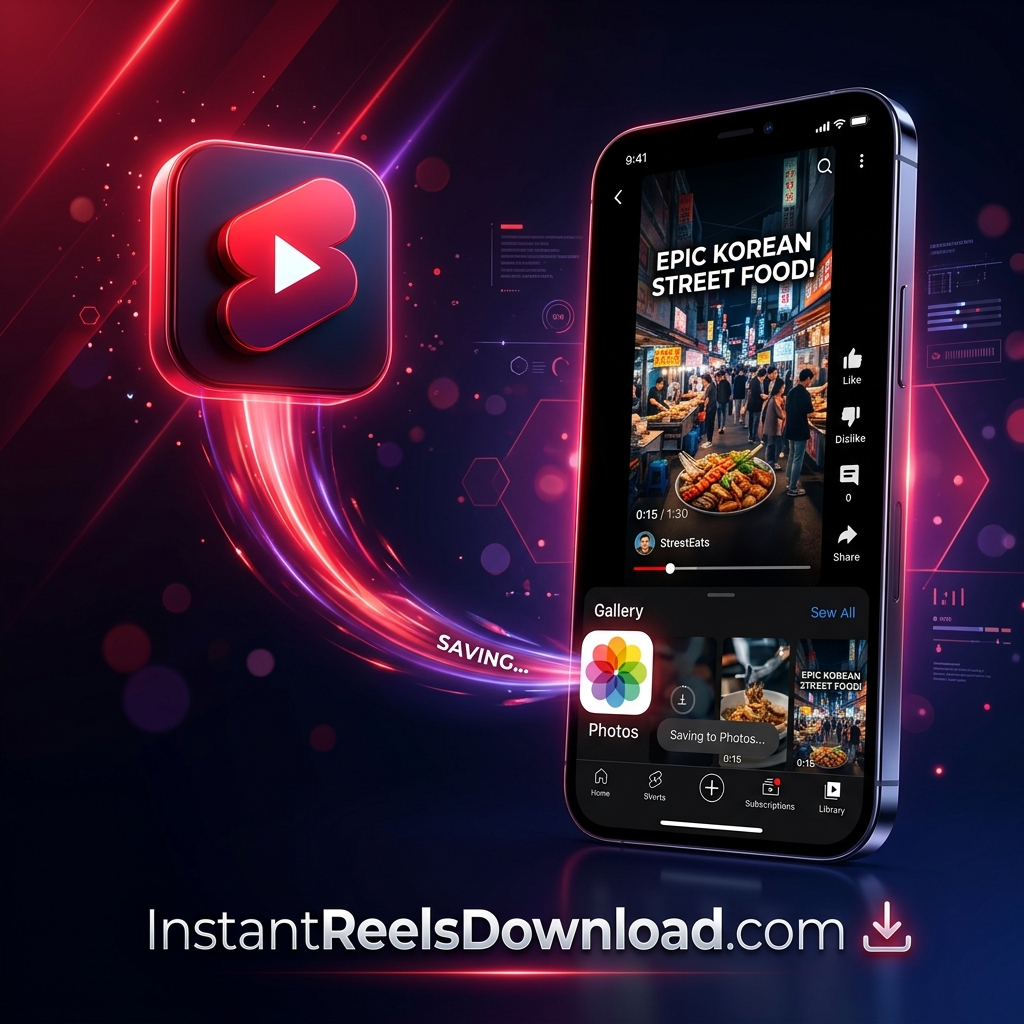
- When Safari asks for confirmation, tap Download. Tap the blue circular download arrow in Safari, open the file, tap the Share icon, and select "Save Video" to place it into your native Camera Roll Photos app.
Android Devices
- In the Instagram app, tap the three dots (•••) or the paper plane icon on the Reel and choose "Copy link".
- Open Google Chrome, paste the link in our search box, and click Download.
- Click the output Download MP4 (1080p) button to initiate direct file transfer.
- The uncompressed MP4 will save instantly in your device's Downloads folder and will immediately show up in your Gallery / Google Photos.
Windows PC & macOS
- Browse Instagram on your computer and copy the Reel URL directly from your browser's address bar.
- Navigate to
instantreelsdownload.com, paste the link into the search input, and press Enter. - Click the Download button to trigger high-speed direct stream saving.
- Your video downloads straight into your designated Downloads folder in full uncompressed HD format ready for playback or editing.
🛠️ Troubleshooting: Common Instagram Reels Download Questions & Fixes
Encountering an issue while saving a video? Here are quick diagnostic steps to resolve 99% of common scenarios:
🔒 Private Instagram Accounts
Our engine strictly respects user privacy. Reels posted by private accounts cannot be extracted without login credentials. Ensure the target account is public before downloading.
⏳ Expired CDN Tokens / "Retry" Prompt
Instagram CDN links are cryptographically signed with short expiration windows. If a download stalls at 40%–70%, simply re-paste the link and click Download again for a fresh token.
🔇 Audio Muting in Specific Regions
If a Reel features copyrighted commercial music restricted in your geographic region, Instagram mutes the stream. Our tool pulls the master audio stream wherever available.
📱 Story vs. Reel Link Confusion
If you are attempting to download a temporary 24-hour Story or Highlight, please use our dedicated Instagram Story Downloader tool.
🌐 Explore Our Full Suite of Free Social Media Downloader Tools
InstantReelsDownload is not just for Instagram. Discover our dedicated, high-speed converters for all major platforms: